08:00 – 17:00

Follow a team through
their day

From morning standup to end-of-day reports. Every tool in one workspace, one login, on your own server.
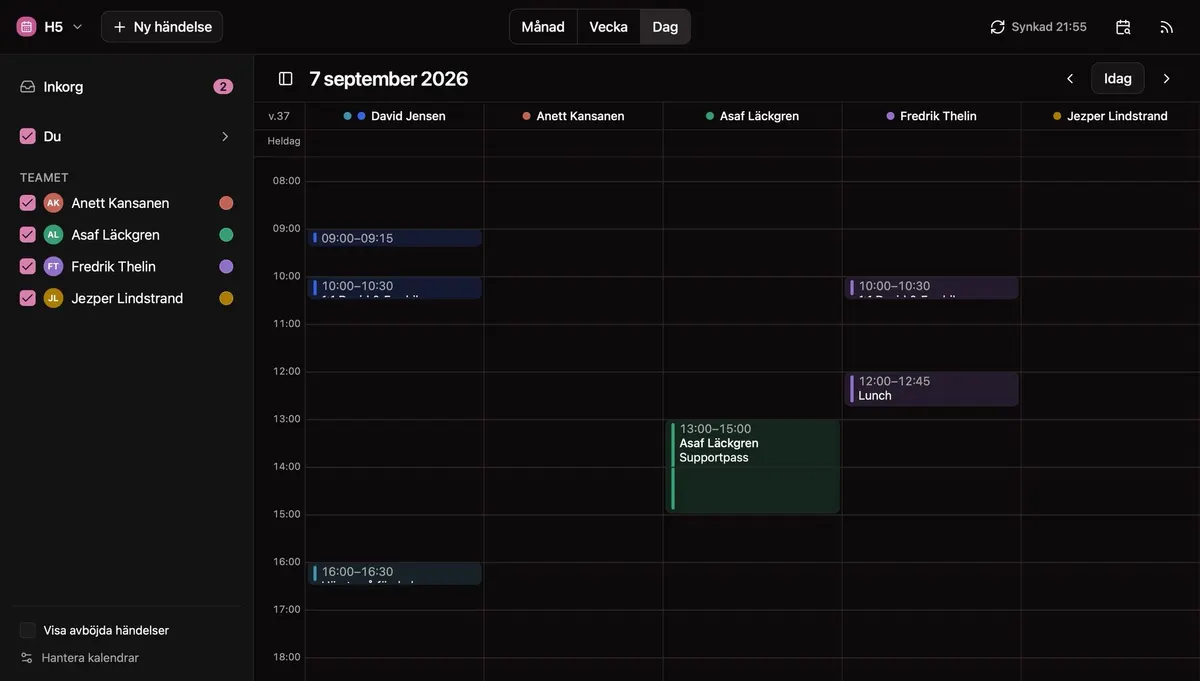
Alma, day view
Alma's day view: five colleagues each get their own column across a shared time grid, with a support shift blocked out in one of them
08:00

The day starts in
the team calendar

Alma is the shared team calendar. It draws the day as one column per person, so who is free is something you see rather than something you ask. And it reads the calendars everyone already keeps.

A column per colleague, one colour each
Narrow any view to one person with a single click
Connects to Google Calendar, iCloud, CalDAV and ICS links
Learn more about Alma →
09:00

Morning standup
happens in Snacka

Channels, DMs, threads, reactions, file sharing. Your team communicates in one place, in the browser or the desktop app. No separate tool, no extra login, no per-user cost.
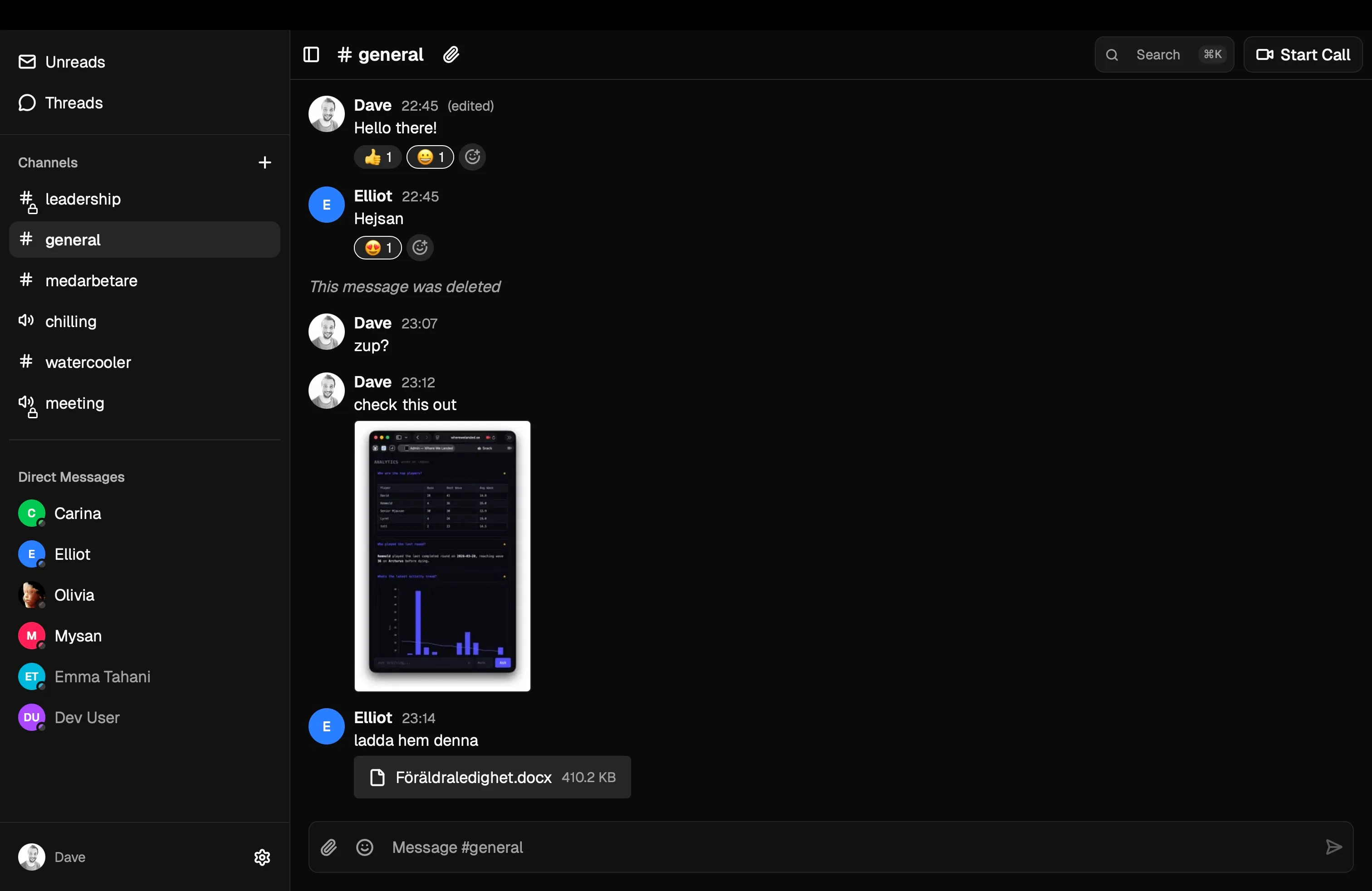
Real-time messaging with channels and threads
Video calls with screen sharing
File sharing and search across conversations
Learn more about Snacka →
Snacka chat: morning standup in #general channel
A Tempa word cloud on the presenter screen: the room sums up the sprint in one word, and the most common answers grow largest.
10:00

Team retro with
live audience input

Tempa turns meetings into conversations. Launch a poll, collect word clouds, get real-time feedback. Participants join with a code. No sign-up needed. And when it's time for a test, the same app runs supervised exams.

Interactive polls, ratings, and word clouds
Join via code. No account required for participants
Surveys, and supervised exams with automatic and AI-assisted grading
Learn more about Tempa →
Planera's plan: people down the side, weeks across, each cell shaded by how many days that person is booked, with overbooked weeks in red.
13:00

Lunch done. Time to
plan the weeks ahead.

Planera lays people against projects on one weekly grid, coloured by how loaded each person is. You see who has room before you say yes to the next project.

A weekly grid of people and projects, coloured by load
Resource allocation across projects
Tentative projects and absences in the same plan, and a week with a public holiday holds less
Learn more about Planera →
14:00

Hours logged
in seconds

Pick a project, tap in the hours, done. Tida shows your day, week and month, what's still missing, and a running balance of whether you're ahead or behind. The projects are the same ones Planera plans.

Log to one day, or to a whole run of days at once
Team reports per person and project, split by hourly, fixed and internal work
An hour balance against the work calendar, public holidays included
Learn more about Tida →
Tida on a phone: a project is picked, the keypad reads 2.5 hours, and one button logs it.
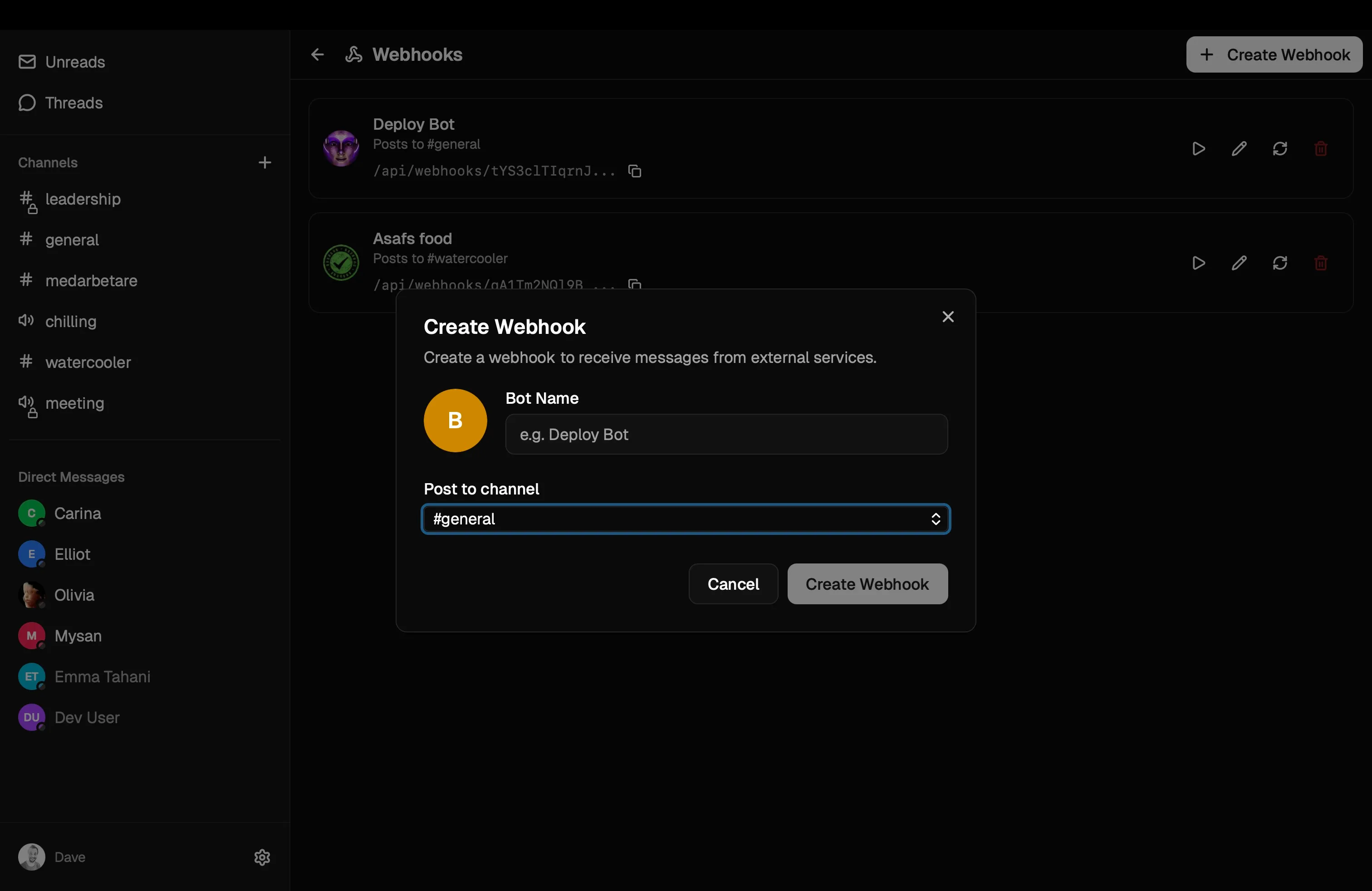
Creating a webhook to receive deployment notifications
15:00

Deploys push to chat.
Automatically.

Webhooks connect your external tools to Nordkastell. CI/CD pipelines, monitoring alerts, form submissions. Everything flows into the right channel.

Custom webhook endpoints per channel
Bot avatars and display names
Understands GitHub events, and any tool that can post JSON
16:00

Invoicing from tracked
hours. Coming soon.

Accounting will turn time entries into invoices and calculate project costs from actual hours: financial reporting connected to the work, not re-entered by hand.

Invoicing from tracked project hours
Financial reports and dashboards
Tax-ready exports (SIE format for Sweden)

Accounting

Coming soon
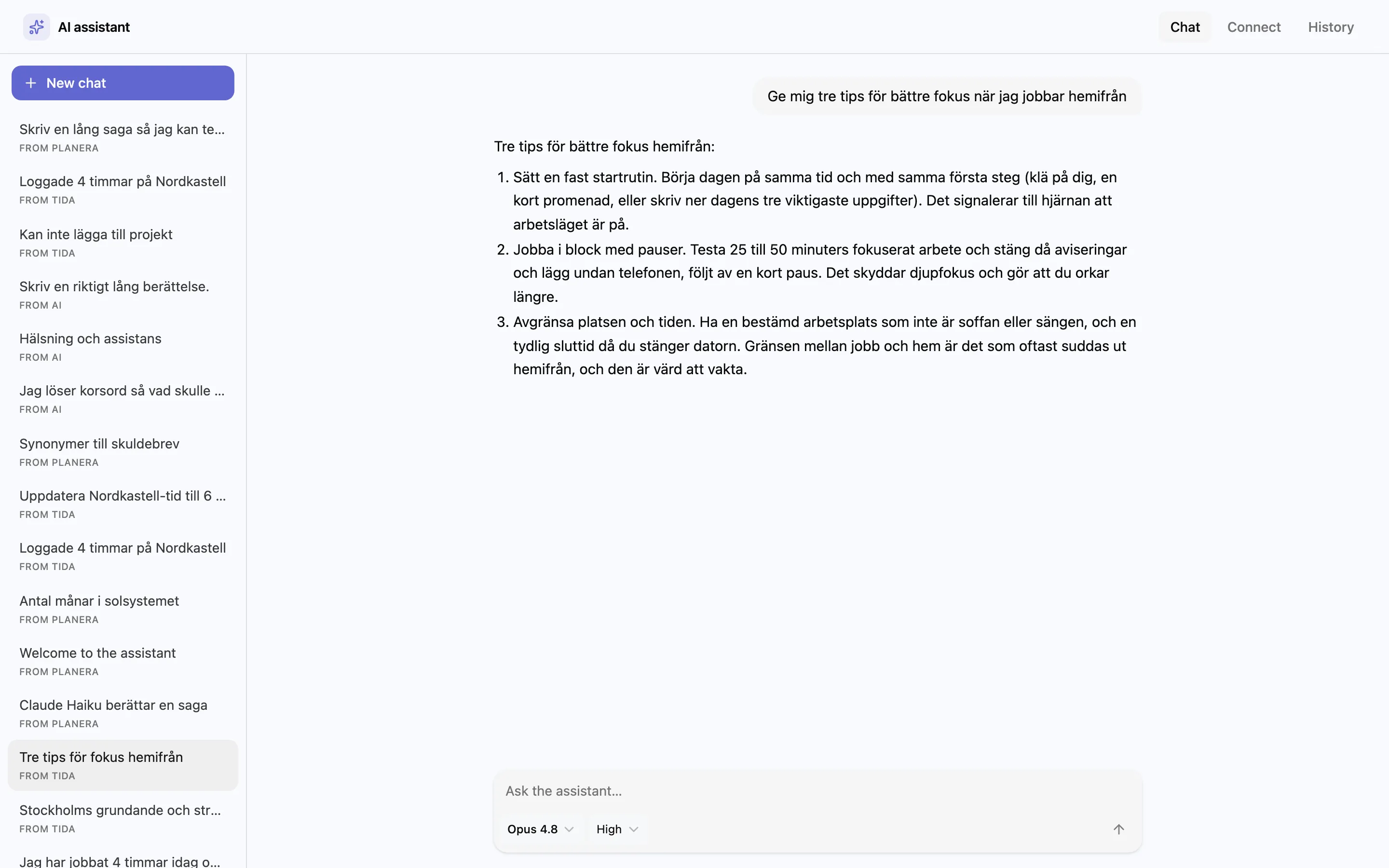
The Nordkastell AI assistant answering in a chat, with a sidebar of threads started from Planera, Tida, and chat
17:00

AI wraps up
your day

Ask for a summary of the day, a busy channel or a month of hours. Connect your own model and the assistant works across all your apps. A fully managed workspace AI is coming next.

Cross-app intelligence. The assistant sees your workspace in context.
Bring your own model. Each person connects their existing ChatGPT or Claude account.
Workspace AI coming soon. A fully managed option with no key required.
Meet Reda, the AI assistant →
All of this

One workspace. One price.
Unlimited users.

The apps you pick, for every user you have. On your own European server. Try the playground or set up your own workspace in minutes.