The whole team's month.
Then one person's.
Alma is the shared team calendar in your Nordkastell workspace. It draws your colleagues as people rather than as one merged grid, and it reads the calendars they already keep: Google Calendar, iCloud, any CalDAV server, or a plain ICS link.
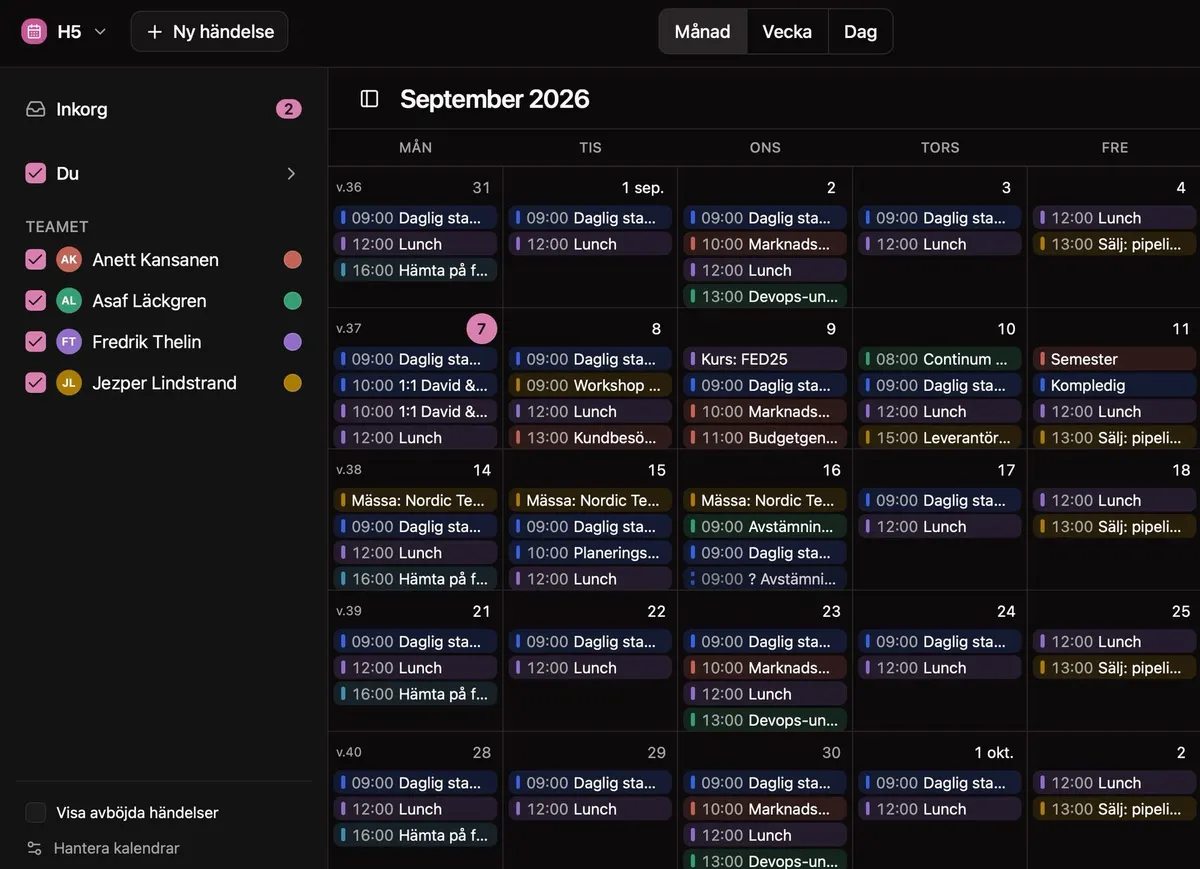
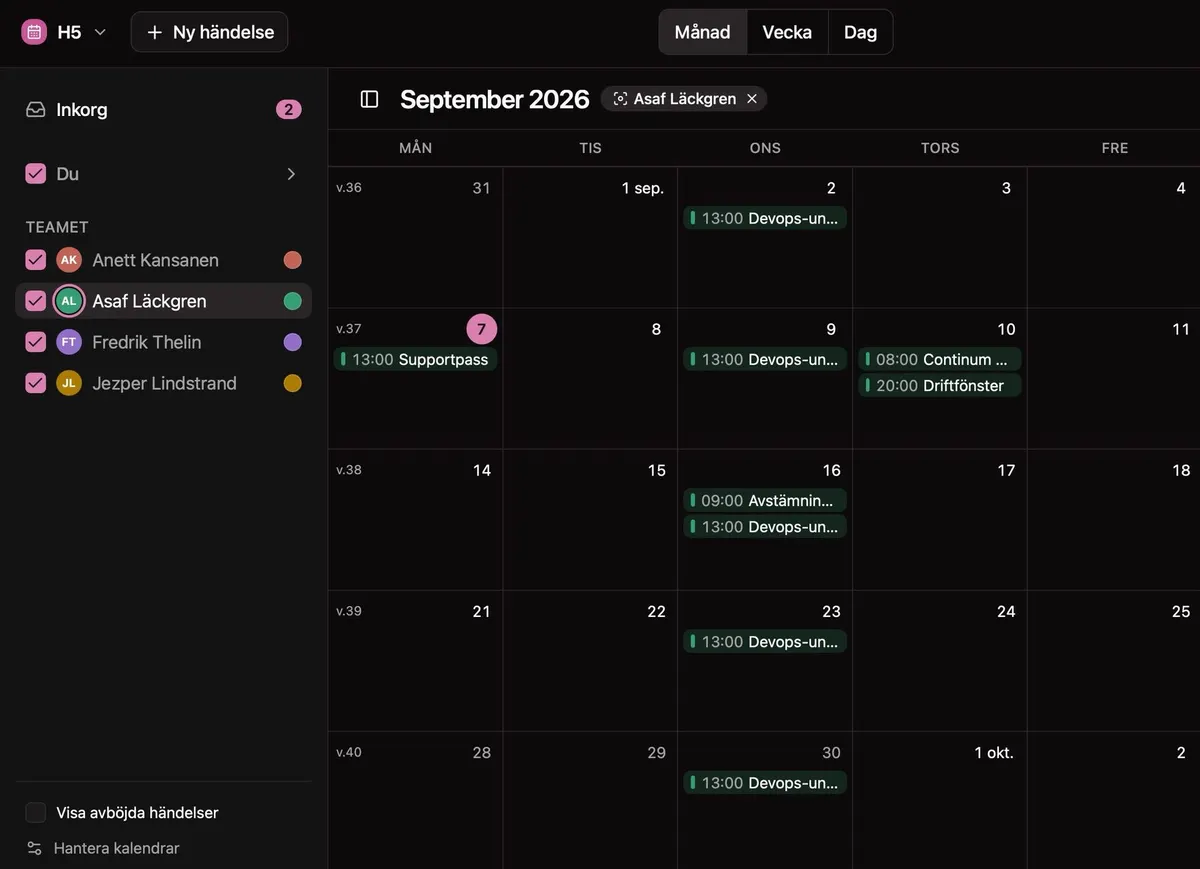
Click a colleague in the sidebar and the month becomes theirs. Click the × on the chip and the team comes back. Ctrl- or ⌘-click to focus on several people, and send the view to someone as a link. Screens are shown in Swedish; Alma ships in English and Swedish.
A calendar of people
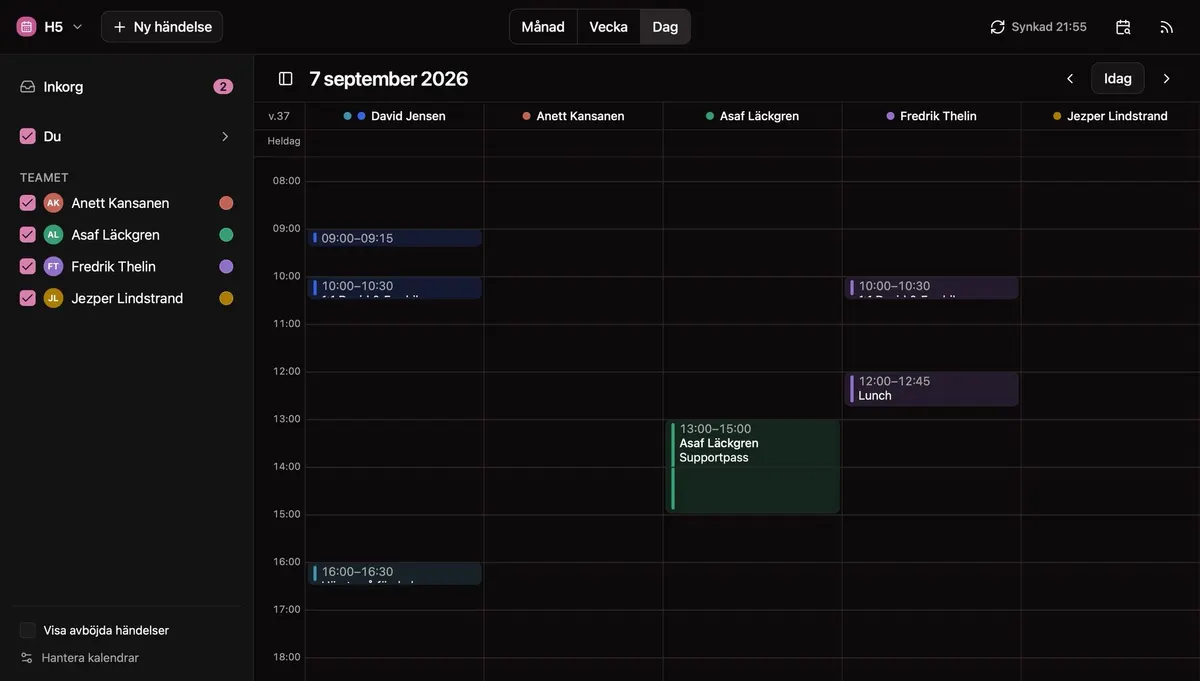
Most shared calendars pile everyone into one grid and leave you toggling checkboxes. Alma starts from the people instead: one colour per colleague across all their calendars (pick your own colours for the people you work with), a focus lens that narrows any view to one of them, and a day view that gives every person a column of their own. On a phone it becomes a list of days, with people, invitations and planning a tap away.
One column per person,
across one time grid
The day view stands your colleagues side by side over the same hours. A free afternoon is a gap you can see, not a question you have to ask.
Plan a meeting
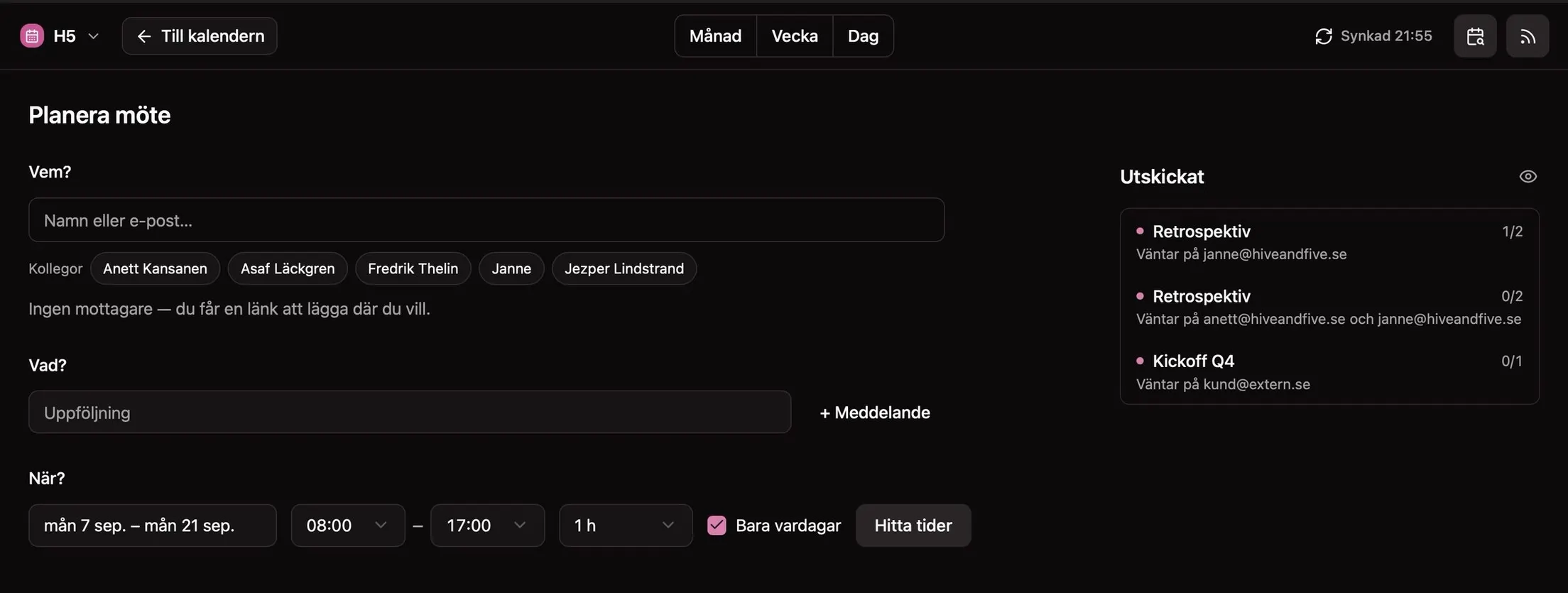
Find a time without the email thread
Pick colleagues, or type anyone's email address, then set a date range, the hours you actually work and how long the meeting needs. Alma offers the times your colleagues' calendars have free and asks everyone to choose.
Calendars
Connect the calendars you already keep
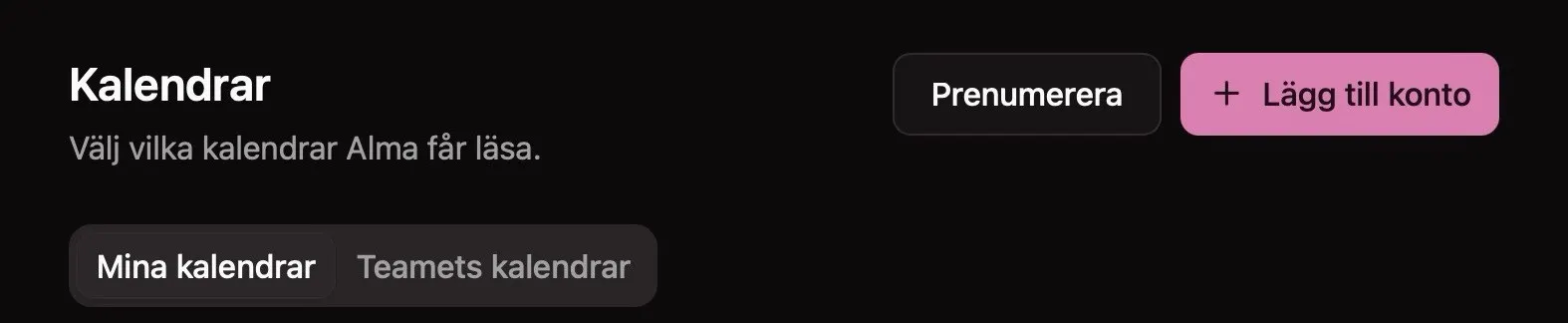
Alma does not ask your team to move. Connect an account, then choose, one calendar at a time, which of them Alma may read.

Google Calendar
Two-way. Alma reads the calendars you approve and writes back the events you create, move or answer from Alma.
iCloud
Your Apple ID and an app-specific password, not your everyday one. Two-way, like Google.
Any CalDAV server
Fastmail, Nextcloud, Synology and anything else that speaks CalDAV. Two-way wherever the calendar allows writing.
ICS links
Paste a secret iCal address and Alma subscribes to it read-only. It never writes to a linked calendar.
Connecting is per person and entirely optional. Adding an account stores nothing but the login. You choose the calendars in the next step, and Alma reads and caches only those. Booking a meeting needs one calendar Alma can write to. Want the team's time in Apple Calendar or Outlook as well? Alma gives each person a private subscription link.
Your data
The calendar stays on your server
On your server, not ours
Alma runs in your workspace on your own EU server. Calendar data is written there and stays there. Two things pass Nordkastell's platform, and neither is stored there: the emails Alma sends (the meeting title, the offered times, names, your note, the deadline and the links to answer), and the Google sign-in when you connect a Google calendar.
Only the calendars you approve
The picker lists your calendars live from the provider. The ones you do not pick are never written down, so a private or family calendar on the same account leaves no trace.
Disconnecting deletes it
Disconnect an account and Alma removes every cached event and the stored login at once, not at some later cleanup pass. For Google it also tells Google the grant is finished. For iCloud and CalDAV, delete the app password at the provider yourself.
If your workspace also runs Reda, the AI assistant can find times and send invitations for you. Whatever you ask it about your calendar goes to the ChatGPT or Claude account you connected, not to Nordkastell.
Put the team's week
on one screen
Alma is €5 a month per workspace, for everyone in it, on your own European server.